Claude for Excel: the beginner's setup guide


Claude for Excel means two things in 2026: a free chat upload anyone can use today, and a paid add-in that reads your open workbook live.
"Claude for Excel" means two different things in 2026, and knowing which one you're looking at saves a lot of confused searching. The first is a plain chat window where you attach a spreadsheet, works on the free plan, nothing to install. The second is an official sidebar that lives inside Excel itself, sees your open workbook directly, and needs a paid plan.
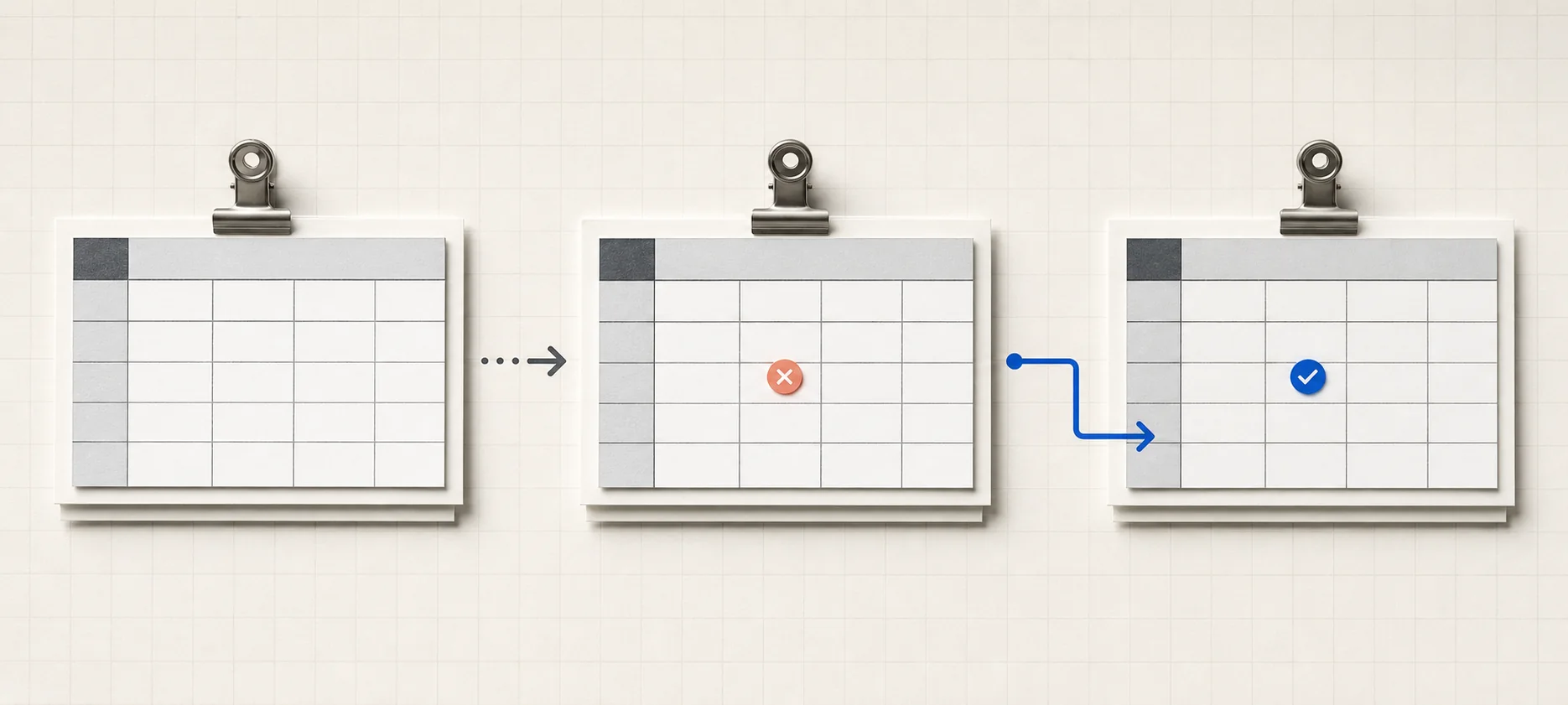
Two ways to use Claude with a spreadsheet
Path A: attach the file in chat (free, nothing to install)
Go to claude.ai, start a chat, and drag your .xlsx file in. Claude reads it directly, no need to convert to CSV first, though CSV or TSV can be simpler for very wide sheets. Chat uploads can be up to 500MB and 20 files per chat; files Claude creates for download are capped at 30MB. Anthropic's file-upload guide lists current formats and limits. Ask your question the way you'd ask a coworker: "clean up this data," "why is row 40 off," "write a formula that sums column C where column A is West." Behind the scenes, Claude can run code against your numbers; code execution and file creation must be enabled, and are on by default for individual plans. You'll get back either a formula or answer to paste in yourself, or a new file to download. Your original upload never gets edited in place.
Path B: the official add-in inside Excel (Pro plan and up)
This is the newer option: an add-in called "Claude by Anthropic for Excel," installed from Microsoft AppSource, or pushed to a whole team by an admin through the Microsoft 365 Admin Center. Anthropic's official Excel add-in guide covers its plan access, supported platforms, file types, and limitations. Once it's turned on, Claude opens as a sidebar next to your actual open workbook. No uploading, no copy-paste. You can ask it to explain a model you inherited, track down why a formula throws #REF! or #VALUE!, build a pivot table, apply conditional formatting, or set up data validation, and it does the work inside Excel itself instead of just describing what to click.
It requires a Pro, Max, Team, or Enterprise plan (not the Free plan), and runs on Excel for the web, Excel on Windows through a recent Microsoft 365 build, Excel on Mac (16.46 or later), and Excel on iPad. It does not run on Excel 2016 or 2019 perpetual licenses, or on Excel for Android. File types are limited to .xlsx and .xlsm. As of May 2026 the add-in is generally available on every paid plan, alongside matching add-ins for Word and PowerPoint that share the same conversation: start a thread in Excel and keep it going in Word without repeating yourself. The Word side has its own guide: Claude for Word. Working in Google's ecosystem instead? See Claude for Google Sheets.
“The add-in doesn't need a screenshot of your spreadsheet, it already sees the real one.”
Try it this week: debug a formula that's actually broken
The fastest way to feel the difference is to hand Claude something that's currently wrong, not a demo. Pull up a workbook with a VLOOKUP throwing #N/A, the classic "the value is right there, why can't it find it" problem, and try this:
Open claude.ai, or the Excel add-in sidebar
Free plan works fine for the chat path.
Show it the broken formula plus a few rows of real data
Paste the cells, or attach the file.
Ask why it's failing, in plain English
"Why does this VLOOKUP return #N/A?"
Common causes are boring: a trailing space, or a number stored as text. Ask Claude to trace the referenced cells before changing the formula, then test any proposed VLOOKUP-to-XLOOKUP rewrite against a row where you already know the correct result.
For more copy-paste prompts like this, including the formula one, see Claude prompts for work.
Where Claude gets Excel wrong
- It can reach for a function your version doesn't have. Newer dynamic-array functions like LAMBDA sometimes show up in an answer even when your Excel build can't run them, or a formula is syntactically fine but wrong on an edge case. Always test against a row where you already know the right answer before trusting it in a live model.
- The add-in can't touch Data Tables, Macros, or VBA. If your workbook leans on any of those, that part stays manual.
- Long sessions get riskier, not safer. The add-in compresses older context automatically to keep long back-and-forths going, which is convenient, but it also means small mistakes are more likely to slip in the longer one conversation runs. Start a fresh thread for a new task instead of tacking it onto an old one.
- Never point it at a spreadsheet from someone you don't trust. Anthropic's own documentation warns that hidden text in cells, comments, or formulas can be used to manipulate what Claude does, a prompt-injection risk. Treat an unfamiliar workbook from a client or vendor the same way you'd treat an unfamiliar email attachment.
Common questions
Can Claude write Excel formulas?
Yes. Describe what you want in plain English (what to sum, filter, or look up) and Claude writes the formula and explains it, or debugs one that's already broken. It's not always perfect, so check it against a row where you already know the answer.
Is there an official Claude add-in for Excel?
Yes, since 2026. "Claude by Anthropic for Excel" is a Microsoft-approved sidebar add-in installed from Microsoft AppSource. It requires a Pro plan or higher and reads your open workbook directly, no upload needed.
Can Claude read my spreadsheet directly?
Through the add-in, yes, it sees your live open workbook. Through claude.ai chat, you attach the file first (.xlsx works, CSV is more reliable for very large sheets), and it reads whatever you give it.
Is Claude for Excel free?
The chat path, attaching a file at claude.ai, works on the free plan. The in-Excel add-in itself requires a paid Pro, Max, Team, or Enterprise plan.
claude/for is an independent guide, not run by Anthropic or Microsoft. If you're still deciding between Claude and ChatGPT for this kind of work more broadly, that comparison lives in Claude vs. ChatGPT, and there's more setup help across the at-work guides.