Claude prompts for work: 10 copy-paste prompts for common tasks

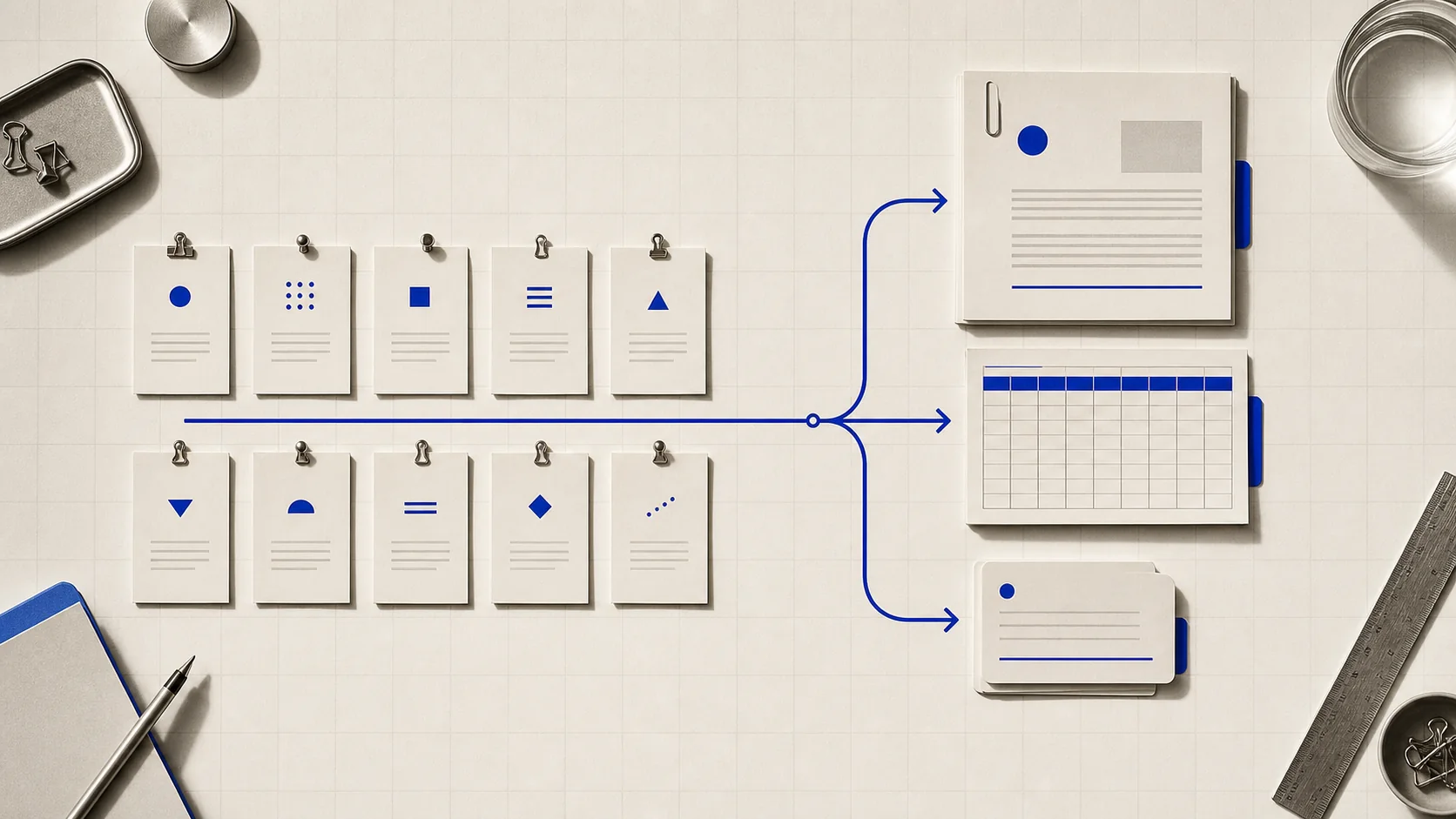
Ten copy-paste Claude prompts for email, meeting notes, spreadsheets, and reports, each with the prompting principle that makes it work.
Good Claude prompts read like a note to a new coworker: specific about the task, the format, and what "good" looks like. Vague requests get vague answers back. Below are ten prompts for common office tasks, ready to copy and fill in, each with the reason it works instead of just working by luck.
Two caveats before you start copying. First, Claude may not reliably flag every uncertain statement. It can sound confident and still be wrong, especially on numbers, dates, or names. Treat any summary or extraction as a first pass to check against the source, not a final answer.
Second, free-plan usage runs on a rolling window, not a fixed daily count. A long conversation with big attachments burns through it faster than several short messages, per Anthropic's own explanation of how usage limits work. Once a single chat gets long, older specifics can also get crowded out, so start a new chat for a new task instead of piling onto one thread.
If you haven't used Claude at all yet, how to use Claude covers the basics these prompts assume.
1. Reply to an email you're avoiding
You're helping me reply to an email. Read it, then draft a reply that [declines the request / asks for more time / agrees but sets one condition]. Tone: [warm but firm / formal / brief and friendly]. Keep it under [6] sentences.

Email:
[paste the email]
Naming the tone and length up front instead of leaving Claude to guess is Anthropic's "be clear and direct" principle in practice. Show the prompt to a colleague with no context: if they'd be confused about what you want, Claude will be too.
2. Summarize a long document for someone who hasn't read it
[Paste the full document below]

Summarize the above in 5 bullet points for [an exec who hasn't read it]. Before each bullet, quote the exact sentence from the document you're drawing it from.
Putting the document first and the instruction last is Anthropic's own guidance for long inputs, and can measurably improve response quality on complex or multi-document text. Asking for a quoted source sentence per bullet keeps the summary grounded instead of drifting into invented detail.
3. Turn messy meeting notes into action items
Here are my raw meeting notes: [paste]

Turn these into:
1. A one-paragraph summary
2. A table of action items, with owner and due date if one was mentioned
3. A list of open questions that didn't get resolved

If an owner or date wasn't stated, write "not specified" instead of guessing one.
Numbered steps instead of one run-on ask is what Anthropic recommends whenever a task has multiple parts or order matters. The explicit "don't guess" line matters because Claude will otherwise fill a gap with a plausible-sounding answer rather than flag that the information wasn't there.
4. Build or debug a spreadsheet formula
I have a spreadsheet with these columns: [A: Region, B: Revenue, C: Month, ...]. I need a formula that [sums Revenue for Region = West and Month = March].

Explain what the formula does in plain English first, then give me the exact formula to paste into cell [D2].
Claude can read an uploaded .xlsx directly in chat, or work inside your live workbook through Claude for Excel if you're on a paid plan. Asking for the plain-English explanation before the formula itself catches a wrong assumption about your data before it ends up baked into a live model.
5. Generate an actual downloadable file, not just chat text
Create a [Word doc / Excel file / slide deck] summarizing [data or content, paste or upload it]. Structure it as: [section 1, section 2, section 3]. Include a chart for [X] if the data supports it.
Claude can generate .docx, .xlsx, .pptx, and .pdf files directly in a conversation, on every plan including Free (see Create and edit files with Claude). Ask for the file type and structure you need explicitly. For slide decks specifically, Claude for PowerPoint goes deeper.
6. Rewrite a message for a different audience, in your voice
Rewrite this message for [a client who's frustrated / an exec who wants the bottom line first]. Keep the facts the same, and cut anything they don't need in order to decide.

Here are two examples of how I usually write to this audience:
<example>[paste a past message]</example>
<example>[paste another past message]</example>

Message to rewrite:
[paste]
Two or three real examples of your own voice steer tone far more reliably than describing "professional but friendly" in the abstract. Wrap them in tags so Claude can tell them apart from the instructions. This is Anthropic's few-shot guidance, and it works better the more the examples resemble the real case.
7. Prioritize a task list without a vague ask
Here's my task list for [today / this week]: [paste]

Rank these by [impact / urgency / effort] and say why each item landed where it did. Then tell me the single task that matters most if I only get to one.
Naming one ranking criterion instead of asking Claude to "help me prioritize" removes the guesswork. Claude has no way to know whether "important" means urgent, high-impact, or quick to clear unless you say so.
8. Pull specific data out of a document into a table
[Upload or paste the source document]

Pull every instance of [dates / dollar amounts / names] into a table with columns: [Field, Value, Source line]. If a field is missing for a row, write "missing." Don't leave it blank, and don't guess.
An explicit "don't guess" instruction changes how Claude handles ambiguous or missing data on extraction tasks, which matters because Claude doesn't reliably flag its own uncertainty. Anthropic's own guidance on reducing hallucinations exists because this is a known failure mode, not an edge case.
9. Draft first, then revise against real feedback
Message 1: Draft a [doc type] for [goal].

Message 2 (same chat, after you've read the draft): Here's feedback from [reviewer]: [paste]. Revise the draft to address each point, and tell me what you changed and why.
Treat the first output as a draft, not a final answer. Feeding back real feedback as a second message is easier to inspect at each step than trying to get a perfect result in one shot. It also plays to what Claude is actually good at: revising against a concrete note, not guessing at a perfect version up front.
10. Get Claude to make the change, not just describe it
Rewrite this email to be shorter and more direct. Give me the final version, not a list of suggestions.

[paste]
"Can you suggest edits" reads as a request for suggestions, and Claude answers accordingly, describing changes instead of making them. Name the verb you want instead: rewrite, draft, build, rather than "suggest." That's the single biggest fix for the "it just tells me what to do instead of doing it" complaint.
Common questions
What makes a good Claude prompt?
Specific instructions beat general ones. Say what the output should look like (format, length, tone), give context for why a rule matters, and ask for one task per message. Anthropic frames it as writing the prompt like you're briefing a new employee with zero context on your norms. If a colleague skimming it would be confused, Claude will be too.
Can I reuse prompts across chats?
Yes, and for anything recurring, a weekly report, an inbox you triage the same way daily, it's worth more than copy-pasting into a fresh chat each time. A Project lets you save the instructions and reference files once, then reuse them across every chat inside it without retyping.
Do I need special syntax for Claude?
No, plain English works. The one habit worth adopting: wrap multi-part input, like several examples or two documents, in simple tags such as <example>. That way Claude can tell where one part ends and the next begins, which is what prompt 6 above does.
Why does Claude sometimes just describe changes instead of making them?
Because of how you asked. "Can you suggest edits" reads as a request for suggestions. Ask it to "rewrite," "draft," or "build" instead, and it makes the change rather than describing it, as in prompt 10 above.
claude/for is an independent guide to using Claude at work, not run by Anthropic. For Anthropic's full prompting guidance, see prompting best practices in the Claude docs, and for more office guides, browse everything at work.