Claude for PowerPoint: the beginner's guide

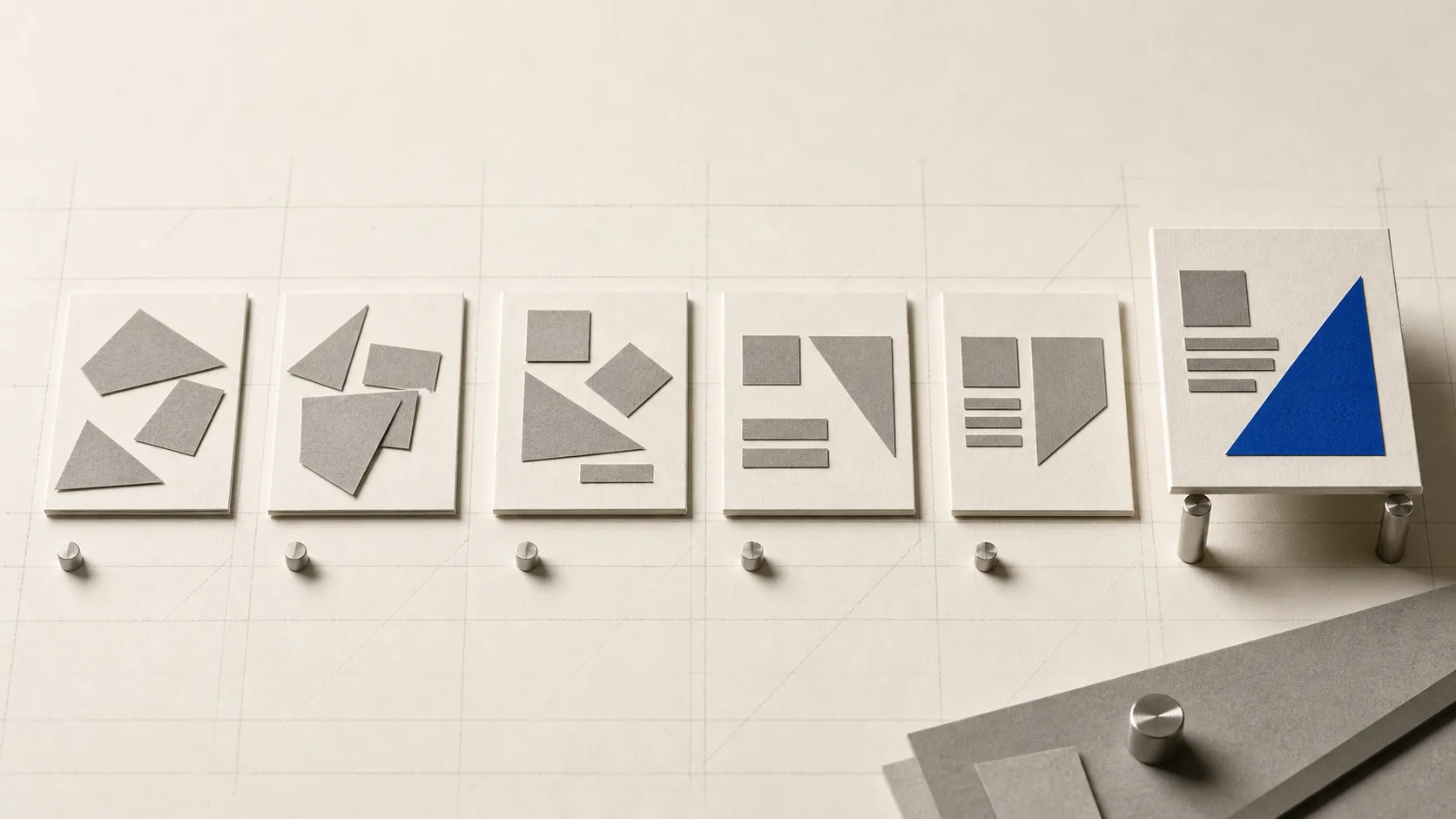
Claude for PowerPoint means three things: chat can create or edit a PPTX on every plan, Claude Design builds visually, and a paid add-in edits your open deck.
"Claude for PowerPoint" isn't one product, it's three. In a plain claude.ai chat, Claude drafts an outline, opens a live HTML deck in Artifacts, or creates and edits a downloadable .pptx on every plan. Claude Design (Pro and up) builds a full visual deck in a canvas you export to PPTX. And the Claude for PowerPoint add-in edits the deck you already have open inside PowerPoint itself.
'%3E%3Cstop%20offset%3D'0'%20stop-color%3D'hsl(237%2074%25%2055%25)'%2F%3E%3Cstop%20offset%3D'1'%20stop-color%3D'hsl(243%2066%25%2020%25)'%2F%3E%3C%2FlinearGradient%3E%3C%2Fdefs%3E%3Crect%20width%3D'1000'%20height%3D'450'%20fill%3D'url(%23g)'%2F%3E%3Cg%20stroke%3D'%23eef1fb'%20stroke-opacity%3D'0.15'%20stroke-width%3D'49.5'%3E%3Cline%20x1%3D'430'%20y1%3D'499.5'%20x2%3D'655'%20y2%3D'-49.5'%2F%3E%3Cline%20x1%3D'548.8'%20y1%3D'499.5'%20x2%3D'773.8'%20y2%3D'-49.5'%2F%3E%3C%2Fg%3E%3C%2Fsvg%3E)
Three ways to make a deck with Claude
1. Chat and Artifacts: outline or a real file on every plan
Start a normal chat at claude.ai and describe the presentation you need. Claude will draft a slide-by-slide outline as plain text, no install, no paid plan required. From there you can also ask it to render a live, visual HTML deck right in the canvas (an Artifact), which you can present from a browser but which isn't a native PowerPoint file.
Getting an actual downloadable .pptx is a separate capability: Claude generates or edits the file in a sandboxed compute environment, the same one behind Word and Excel file creation. By mid-2026, code execution and file creation are available on Free, Pro, Max, Team, and Enterprise, with generated files capped at 30MB each.
2. Claude Design: a canvas that builds the whole deck (Pro and up)
Launched April 17, 2026, Claude Design is the better starting point if you're beginning from nothing and want something that already looks finished. Describe your audience, key messages, and any organizational context, and Claude Design generates a complete deck as interactive HTML in the canvas, structure, layout, and formatting decisions included.
You keep refining by chatting, leaving inline comments, or pointing at a specific slide, and export to PPTX, PDF, Canva, ZIP, or standalone HTML when you're done. It is currently in beta on Pro, Max, Team, and Enterprise (Enterprise admins have to turn it on). Anthropic launched it on Claude Opus 4.7.
3. Claude for PowerPoint: the add-in that edits your open deck (Pro and up)
This is the most "native" option and the one most people mean when they search the phrase: a sidebar add-in, installed from Microsoft AppSource, that lives inside PowerPoint on the web, Windows, or Mac and works on your actual open file.
According to Claude's help center, it reads your slide master, layouts, fonts, and color scheme before touching anything, so new or edited slides match what's already there instead of dropping in generic AI styling.
Charts and diagrams it inserts are native, still-editable PowerPoint objects, not flattened images. It doesn't require a Microsoft Copilot subscription, only your Claude plan.
It launched as a research preview on February 5, 2026, and reached general availability on every paid plan on May 7, 2026, alongside GA for Claude in Excel and Word and a public beta for Outlook. The headline feature at GA is cross-app context: start a thread in Excel or Outlook and pick it back up in PowerPoint without re-explaining anything.
Which one to start with: if you already have a deck or brand template to match, use the add-in. If you're starting from a blank page and want a finished look fast, use Claude Design. If you just want draft copy or a quick outline with zero setup, chat is enough.
Try it this week: outline first, deck second
The workflow that avoids the most rework is the boring one: get the structure right in text before anything visual exists.
Describe the presentation in a normal chat
Topic, audience, key points, roughly how many slides. Free plan works fine here.
Ask for a markdown outline, not a deck
One section per slide, bullets underneath. Read it end to end and cut what doesn't earn its slide.
Reorder and trim in the outline itself
Fixing structure in text takes one message. Fixing it after slides exist takes several.
Turn the outline into a deck
Ask for a downloadable .pptx, or a live HTML deck in the canvas if you just need to present from a browser.
Open it and do a human pass
Check any numbers, fix text-box sizing, and place your own logo or images before anyone else sees it.
Where Claude gets PowerPoint wrong
- Layout still needs review. The add-in reads the slide master and aims to preserve template compliance, but Anthropic still recommends human review for design and narrative flow. Spot-check every chart against the source numbers.
- A slide master is not the whole brand system. The add-in reads layouts, fonts, and colors and can also use persistent instructions, Skills, and connectors. Supply logo-placement or approved-chart rules explicitly through one of those paths rather than assuming it will infer them.
- Only use it on decks you trust. As with any AI tool that reads an existing file, hidden text in slide notes, comments, or an off-canvas text box in a deck from someone else could try to steer what Claude does. Treat an unfamiliar template from a client or vendor the way you'd treat an unfamiliar email attachment.
- History is local, not cloud-synced. Add-in chat history is stored in browser IndexedDB and does not sync across browsers or devices. Excel and PowerPoint histories are separate. Enterprise can route Office-agent telemetry to its own OTEL collector, but the add-in is not included in the normal Enterprise audit log or Compliance API.
- Network access varies. The sandboxed chat/file-creation path can have network egress, but Team and Enterprise owners control it. Treat external files as untrusted and monitor any network action Claude proposes.
“An outline Claude approves is a good outline, not a finished deck yet.”
Can Claude make a PowerPoint?
Yes, two ways: ask in claude.ai chat for a downloadable .pptx on any plan, or use Claude Design on Pro and up to build a complete visual deck you export to PPTX. Neither requires PowerPoint to be open.
Is there a Claude PowerPoint add-in?
Yes. "Claude for PowerPoint" is a Microsoft AppSource add-in that opens as a sidebar inside PowerPoint on web, Windows, or Mac. It reached general availability on every paid plan on May 7, 2026.
Can Claude edit my existing deck?
The add-in is the only path that edits the file currently open in PowerPoint. Chat can also edit an uploaded .pptx and return a new file. Claude Design can use an existing deck as reference material, but it does not edit the open PowerPoint file in place.
Do I need Microsoft Copilot to use Claude for PowerPoint?
No. The add-in runs on your Claude plan (Pro or higher) alone. It's installed the same way as any Microsoft add-in, but it isn't a Copilot feature and doesn't require a Copilot license.
claude/for is an independent guide, not run by Anthropic or Microsoft. For the free-plan version of this same idea applied to spreadsheets, see Claude for Excel, and if you haven't sent Claude your first prompt yet, how to use Claude walks through that first session.