Create a Claude Code Skill: build, trigger, and test

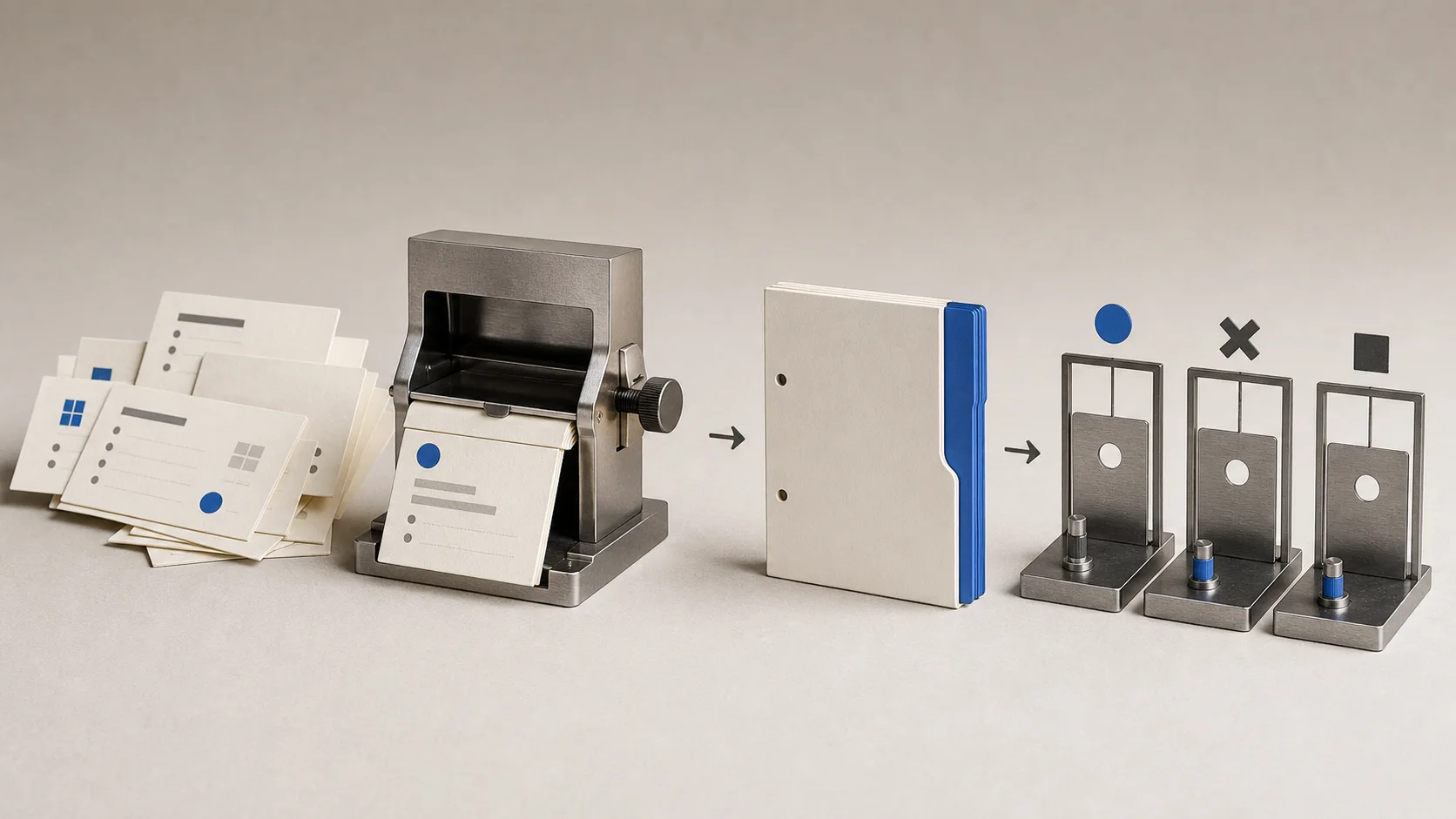
Create a Claude Code Skill from one proven workflow, then test its triggers, collisions, and output before you trust or share it.
Create a Claude Code Skill only after you can complete the workflow once by hand. Put the successful procedure in SKILL.md, describe exactly when it applies, then test triggering and output quality separately in fresh sessions.
This guide builds a small read-focused Skill called decision-brief. This workflow and matrix have not been tested with Claude Code for this article. We therefore report no accuracy, time-saving, token, or before-and-after result.
If you are still deciding what Skills are useful for, start with the beginner guide to Claude Skills. This page is about authoring and testing one. For an official marketplace example, see the radar fiche on academy-guide (Claude Academy recommendations).
Prove the workflow before packaging it
Start with a fictional Atlas meeting note. Include an old August 15 launch plan, a later approved September 3 date, Maya Chen as decision owner, compliance review as the reason, and a budget discussion with no approved amount.
In a fresh Claude Code session, ask for five fields: current decision, owner, decision date, reason, and evidence path. Add an Unknowns section. Review every field against the source and require Not stated for the unapproved budget.
Save the prompt, accepted response, and corrections. Only then do you have a procedure worth packaging. This is context engineering in miniature: the Skill stores the repeatable method, while the meeting note supplies task-specific evidence.
Put the Skill in the right folder
Create this project structure:
.claude/
└── skills/
    └── decision-brief/
        ├── SKILL.md
        ├── template.md
        ├── examples/
        │   ├── good.md
        │   └── known-absence.md
        └── references/
            └── scoring.md
The current Claude Code Skills documentation defines two common standalone locations:
.claude/skills/<name>/SKILL.mdfor one project;~/.claude/skills/<name>/SKILL.mdfor your personal local projects.
For ordinary standalone Skills, the directory sets the slash command. This folder creates /decision-brief; changing the frontmatter name does not rename that command. Plugin Skills are namespaced, such as /publisher:decision-brief.
Existing .claude/commands/*.md files still work, but custom commands now share the Skills mechanism. The directory form is the better starting point because it can carry templates, examples, references, and scripts.
Write a narrow SKILL.md
Save this as .claude/skills/decision-brief/SKILL.md:
---
name: decision-brief
description: Extract a decision brief from a user-selected Markdown meeting note, with owners, dates, supporting paths, conflicts, and explicit unknowns. Use when the user asks what was decided, who owns a decision, why it changed, or wants an evidence-linked decision brief from a meeting note.
argument-hint: "[meeting-note.md]"
arguments: [source]
allowed-tools: Read Grep
disallowed-tools: Write Edit Bash WebFetch WebSearch
metadata:
  version: "0.1.0"
---

# Decision brief

Read `$source`. If the path is missing, unreadable, or points to more than one
file, stop and ask for one exact Markdown path.

Use [template.md](template.md). Read [examples/good.md](examples/good.md) when
the source contains several dates or owners. Read
[examples/known-absence.md](examples/known-absence.md) when a value is discussed
but not approved.

1. Separate decisions from proposals, discussion, and action items.
2. Prefer the latest explicitly approved decision, but report contradictions.
3. Cite the source path for every decision and owner.
4. Write `Not stated` for an absent fact. Never infer a number, date, or status.
5. Return the brief in the conversation. Do not edit or create files.
Claude Code can operate without name, but the open Agent Skills specification requires name and description. Including both, with a lowercase hyphenated name matching the directory, gives this Skill a cleaner portable core.
The description carries the discovery job: what the Skill does and when it applies. The body carries the procedure. argument-hint helps autocomplete, while arguments: [source] maps the first supplied value to $source. That substitution is still a string, so the instructions must check the path and stop when it is ambiguous.
allowed-tools is easy to misunderstand. It pre-approves Read and Grep while the Skill is active; it does not restrict every other tool. Here, disallowed-tools removes only the named built-in tools for the active turn. It does not remove connected MCP tools or create a read-only sandbox. Persistent security boundaries still belong in permission deny rules or sandboxing.
The version under metadata is our maintenance convention, not an automatic update system.
Keep supporting files purposeful
Put the output headings in template.md: Decision, Owner, Date and reason, Conflicts, Unknowns, and Evidence. Use good.md for a superseded date and known-absence.md for the missing budget.
Claude reads those files only when the Skill points to them and they are needed. This progressive loading keeps SKILL.md concise instead of turning it into another always-loaded manual.
A script can earn a place when a check is deterministic. For example, an author-side validator could confirm that a saved output contains every required heading and at least one evidence path. It cannot decide whether the decision is true. Keep semantic review in the scorecard, and do not add Bash to the runtime Skill merely to make the folder look sophisticated.
Test triggering before trusting the output
Use fresh sessions so authoring context does not help the Skill accidentally. Record the model, Claude Code version, settings, installed Skills, prompt, files read, and raw response.
| Test | Prompt | Expected result |
|---|---|---|
| Positive | “Create an evidence-linked decision brief from atlas.md.” | decision-brief invokes |
| Positive paraphrase | “Pull the approved outcome, owner, and unknowns from this note.” | decision-brief invokes |
| Negative | “Summarize this meeting in five bullets.” | Skill does not invoke |
| Negative | “List every action item.” | Skill does not invoke |
| Collision | “Summarize discussion and actions.” | An installed meeting-summary Skill wins |
| Collision | “Extract only approved decisions with evidence paths.” | decision-brief wins |
Then test output quality with the Skill available and again with it disabled. Score whether it selects September 3, labels August 15 as superseded, names Maya, gives the compliance reason, says the budget is not stated, cites the source, and creates no file. Run each case three times if you intend to publish a hit rate.
The official evaluation guidance separates invocation quality from output quality for this reason. A Skill can trigger perfectly and still return the wrong decision. Preserve every response, hide which variant produced it before scoring, and fix only the weakest description or instruction before rerunning the regression cases. When the skill ships inside a plugin and you need the CLI suite on Claude Code 2.1.269+, see How do I run claude plugin eval?.
Use the Claude Code verification guide to preserve prompts, raw outputs, and score evidence without turning an expected result into a claimed result.
Again, these tests are designed but unrun for this article. The table is a protocol, not evidence that decision-brief works.
Choose the right Claude Code extension
-
Put short facts needed every session in
CLAUDE.md, not in a Skill. The memory guide explains that always-loaded boundary. -
Use a Skill for reusable instructions, reference material, or a repeatable procedure.
-
Use a subagent when the defining need is a separate worker context. A Skill can use
context: fork, but inline execution is the simpler default. -
Use a plugin when you need namespaced distribution, versioned installation, or a bundle containing Skills, agents, hooks, and MCP servers. Anthropic recommends starting standalone and converting to a plugin when sharing justifies it.
Portability has limits
The CLI and local Desktop Code tab share configuration, so a local project Skill can work in both. Claude Code web receives committed .claude/skills/ files with the repository clone, but not your laptop's ~/.claude/skills/ directory.
Claude Code, claude.ai, and the Claude API manage custom Skills separately and do not automatically synchronize them. The core SKILL.md format is portable, but invocation fields, tools, network access, and runtime packages differ by surface. A filesystem Skill that works locally may need separate upload and adaptation elsewhere.
This site is independent and is not affiliated with Anthropic. Skills can execute instructions and code, so audit every third-party file as you would software. Even a precise description can miss a valid request or trigger on the wrong one, and model behavior can change. Keep the regression prompts and retest before expanding permissions.
How do I create a Skill in Claude Code?
Create .claude/skills/<name>/SKILL.md for one project or ~/.claude/skills/<name>/SKILL.md for personal use. Add a precise description and concise instructions, then test direct and natural-language invocation in fresh sessions.
How does Claude Code decide when to use a Skill?
Claude Code lists Skill names and descriptions so Claude can match them to requests. The full body loads after invocation. A precise description helps, but automatic triggering is not deterministic; /skill-name is the explicit route.
What is the difference between a Skill and a subagent?
A Skill packages reusable instructions, knowledge, or procedure and normally runs in the current conversation. A subagent is a delegated worker with separate context and a tool contract. A Skill can optionally run in a forked subagent.
Can I use one custom Skill across Claude products?
Not automatically. Claude Code, claude.ai, and the API require separate installation or upload. The core format can travel, but Claude Code-specific metadata, tools, network assumptions, and runtime behavior may need changes.
If folders, permissions, and local project files are still new, use the Claude Code non-developer guide before installing or authoring extensions.
Diagnose skill issues with How do I use Claude Code /skill-doctor?. Add the official marketplace via How do I add the anthropics/skills marketplace.