Claude Code context engineering: a practical guide

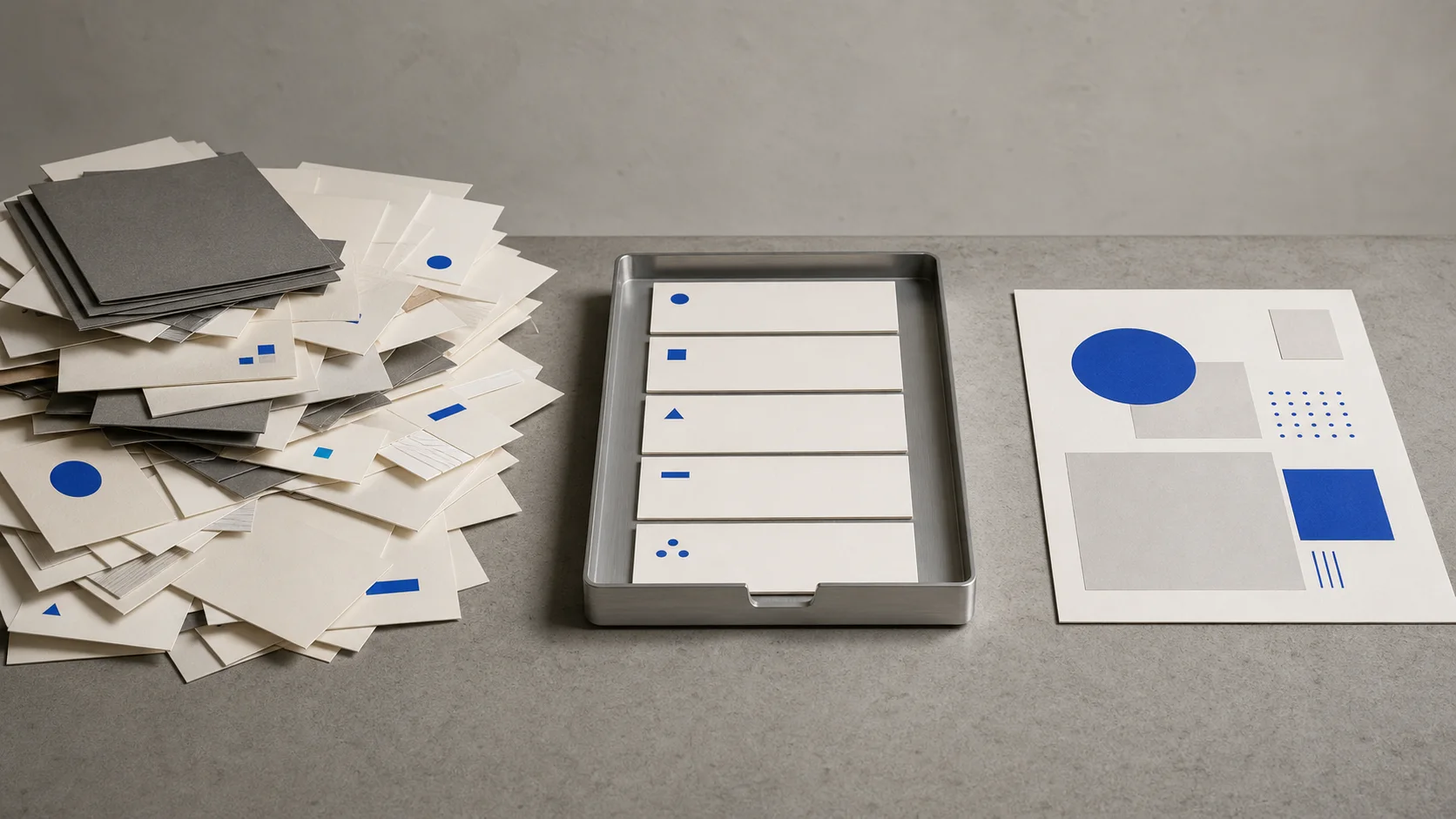
Claude Code context engineering means choosing the right sources, rules, examples, and success test for one task. Use this five-part method.
Claude Code context engineering means choosing and maintaining the smallest useful set of information Claude needs for one task. That set includes your request, but also source files, constraints, examples, project instructions, available tools, conversation history, and a clear test for success.
The practical lesson is simple: a beautifully worded prompt cannot repair a missing source, a stale document, or two rules that contradict each other. Give Claude the right evidence, then tell it what a successful result must satisfy.
Use this five-part context receipt
Before you start a meaningful task, write down five things. We call this the claude/for context receipt. It is our teaching method, not an official Claude Code feature.
- Goal: What must exist at the end, and who will use it?
- Sources: Which files or URLs contain the facts Claude may rely on?
- Constraints: What must it preserve, avoid, or leave unchanged?
- Examples: What does a good result look like?
- Success test: What observable checks decide whether the result is acceptable?
Here is a practical version for a publisher preparing a sponsor brief:
Goal: Create a one-page sponsor brief for a potential advertiser.
Sources: page-performance.csv, engagement-definitions.md,
and editorial-taxonomy.csv.
Constraints: Do not expose personal data or invent missing metrics.
Example: Follow the section order in approved-sponsor-brief.md.
Success test: Include total reach, the three strongest content themes,
source dates, and a limitations section.
This is more useful than adding another paragraph of persuasive language to the prompt. It supplies the facts, boundaries, pattern, and definition of done that the task actually depends on.
Once that success test exists, make Claude Code verify the result with evidence it can actually observe rather than another request to "double-check."
Prompt engineering and context engineering are different
Prompt engineering improves the instruction you give Claude. Context engineering manages the full information state available when Claude acts. The prompt is part of that state, not a competing technique.
Anthropic describes context engineering as the natural progression of prompt engineering. Its guiding principle is to find the smallest set of high-signal information that makes the desired result likely. Smallest does not mean short at any cost. It means sufficient, relevant, and free of avoidable clutter.
Suppose you write, "Create a compelling sponsor brief." Better wording may improve the tone. It cannot tell Claude which audience figure is current, which content category was retired, or what your sales team considers acceptable. Those facts have to come from somewhere.
If you are still learning the basic difference between chat and a tool that can work inside a folder, start with Claude Code for non-developers. Context engineering becomes useful once your tasks involve several files, recurring rules, or outputs that must pass a check.
What Claude Code can actually see
Claude Code's active context can contain conversation history, files it has read, command output, project instructions, skills, tools, and system instructions. Ordinary files in your project are not all automatically loaded at startup.
You can point Claude at a specific file with @, paste an image, supply a URL, pipe in data, or ask it to find relevant material with its available tools. The official best-practices guide recommends referencing specific files, naming constraints, pointing to example patterns, and explaining what "fixed" looks like.
Every file read adds material to the active context. A large folder dump is not automatically safer or more complete. Old notes, duplicate policies, and irrelevant command output can compete with the current evidence.
Put information in the right place
Divide your information into three layers instead of putting everything in one giant instruction file.
Stable context is useful across many sessions: the correct test command, a naming convention, or a rule never to edit a production data file. Concise, persistent project instructions can live in CLAUDE.md. Anthropic's memory documentation says these instructions are context, not guaranteed enforcement, so deterministic safety requirements still need technical controls.
If you are deciding what should persist beyond the current task, the Claude Code memory guide separates stable instructions, auto memory, rules, and temporary state.
Task-specific context belongs with the current piece of work: the sponsor dataset, the brief template, this month's audience definition, and the acceptance checklist. Reference those files when you ask Claude to do the task.
Just-in-time context is material Claude can retrieve only if needed: a long archive, a documentation URL, or historical reports. Keep a clear pointer rather than loading every possible document in advance.
This separation keeps permanent instructions concise while making the current evidence explicit. If you have not used Claude Code with a real project folder yet, the first website walkthrough shows how files, review, and approval fit together.
Compare a document dump with a curated pack
You can test this method without trusting a before-and-after anecdote. Create a small synthetic task and run two conditions in fresh sessions with the same prompt, model, permissions, and source data.
Freeze the task and answer key
Create a small anonymized dataset, an expected answer, and a checklist before either run.
Prepare the noisy condition
Include the current sources plus an old meeting note, a stale total, a retired category, and a duplicate draft. Label every source date.
Prepare the curated condition
Use the same current sources, plus a five-part context receipt and one approved example.
Run the exact same prompt
Do not improve the wording for the curated condition. Save the sessions and outputs.
Score without knowing the condition
Check source accuracy, stale claims, constraints, coverage, traceability, and structure.
Run each condition more than once because model outputs vary. Do not claim that the curated pack is better unless its blinded scores support that conclusion. This guide does not report a result because we have not run and preserved that comparison yet. The procedure is here so the eventual claim can be checked instead of merely believed.
Common ways context engineering fails
- Adding everything: More material can introduce stale facts and competing instructions.
- Hiding the source of truth: Claude cannot reliably choose the canonical file if five versions look equally current.
- Treating an example as evidence: A sample shows format and tone. It should not supply factual numbers for a new report.
- Using prose as a security boundary: A written "never publish secrets" rule helps, but permissions and technical controls are the real enforcement layer.
- Leaving success vague: "Make it good" cannot be checked. Required sections, valid links, supported figures, or a human approval step can.
- Keeping unrelated work in one session: Old conversation and tool output remain part of the information Claude must navigate. Start a focused session for a different task.
Context engineering increases the chance of a useful result. It does not guarantee truth, remove model variability, or replace human judgment. The person who defines the sources and success test can still choose the wrong sources or a weak test.
This site is independent and is not affiliated with Anthropic. We use official documentation for product behavior and label our own methods as our own. For the broader fundamentals before you work in project folders, see how to use Claude, or browse the full Claude Code desk.
What is context engineering in Claude Code?
It is the practice of choosing and maintaining the instructions, source files, examples, constraints, tools, and task history Claude needs for a specific result. The goal is relevant, high-signal information, not the largest possible prompt.
What is the difference between prompt engineering and context engineering?
Prompt engineering improves the request itself. Context engineering manages everything available to the model, including the prompt, source files, examples, project rules, tools, and conversation history. They complement each other.
Does Claude Code automatically read every project file?
No. Some instruction and memory files load automatically, while ordinary project files are generally read as Claude explores or when you reference them. Point it to the smallest relevant set rather than assuming it knows the whole folder.
Can too much context make Claude Code worse?
Yes. Irrelevant files, stale notes, long command output, and conflicting instructions can reduce focus. Keep permanent rules concise, reference current task sources explicitly, and retrieve deeper material only when it is needed.