Claude Code for non-developers: what it is and how to start


Claude Code writes and runs code for you inside a project folder. No coding skill needed, but you need a paid Claude plan, not Free.
Claude Code is Anthropic's tool for building software: instead of just answering in a chat window, it reads, writes, and runs code directly inside a project folder on your behalf. You don't need to know how to code to use it, you describe what you want in plain English and it does the typing. What you do need is a paid plan; Claude Code isn't part of the Free tier. New to it? Start with what Claude Code is.
What Claude Code actually is
Regular Claude, the chat you get at claude.ai, answers in text. You ask a question, it writes a response, nothing on your computer changes. Claude Code is different: it operates on a real project folder, creating files, editing them, and running commands like a developer would, just without you having to write the commands yourself.
There's also Cowork, a third mode in the Claude desktop app, worth distinguishing from Claude Code because people mix the two up. Cowork handles delegated, multi-step work like research, document drafting, and file organizing, using the same underlying agent architecture as Claude Code but without a terminal or a coding project attached.
Claude Code is for building things; Cowork is for getting non-coding tasks done. Both sit next to plain Chat in the desktop app, which now has three tabs: Chat, Cowork, and Code.
Claude Code itself shows up in three places, and each one behaves a little differently:
- The desktop app's Code tab. Full local folder access, with a choice of interaction modes (covered below), plus the option to run cloud sessions from the same tab.
- The command-line tool (CLI). The original version, installed separately with Anthropic's native installer or a supported package manager. The desktop app includes its own Code tab but does not install the
claudeterminal command for you. - Claude Code on the web (claude.ai/code). Currently a research preview. It runs each session in an isolated cloud sandbox that Anthropic manages, cloned from your GitHub repository, not on your own machine. It only offers three permission modes instead of six, and it doesn't carry over your locally installed skills, agents, or MCP servers, only what's actually committed to the repo comes with it.
That last point matters if you've heard that the web version "removes features." It does, but not because you're somehow inside GitHub. It's a separate, more limited execution environment that Anthropic runs for you, with fewer permission modes and no access to your local files.
Access and plans
Pro costs $17/month billed annually (or $20/month billed monthly) and includes Claude Code. Max comes in two tiers: Max 5x at $100/month gives you five times the usage of Pro in a session, and Max 20x at $200/month gives you twenty times. Team and Enterprise plans include Claude Code too, at their own seat pricing. For the full breakdown of what each tier actually buys you in practice, see Claude Code pricing broken down. Source: claude.com/pricing.
Anthropic no longer publishes fixed prompt counts or hours-per-week numbers. Official guidance describes usage only in relative terms, Max 5x and 20x as multiples of the Pro baseline, inside a rolling five-hour window plus a separate weekly cap. If you're on Pro and building anything beyond a small script, expect to bump into that limit before you expect to.
Your first project
The fastest way to understand any of this is to build something small. Open the desktop app's Code tab, or run claude in a terminal if you installed the CLI, then point it at an empty folder. Describe what you want in a sentence or two: a personal website, a small tool that reformats a CSV, whatever you actually need.
Pick something small and real
A one-page website, a script that renames files, a tool that tracks something you already track by hand.
Describe it in plain English
Say what it should do and who it's for. Claude Code will ask clarifying questions if it needs to.
Watch what it changes before approving
Especially the first few times. This is how you build a feel for what 'safe' looks like.
Ask it to explain anything you don't recognize
"What does this file do?" is a completely normal question to ask your own project.
For the full step-by-step, including which permission mode to start in and how to get from an idea to something live on the internet, see your first Claude Code project.
The concepts worth understanding before you start
A handful of ideas explain almost everything confusing about Claude Code. None of them require a technical background, they just aren't things a chat interface ever taught you.
Permission modes. This is the actual safety mechanism, and there are six of them, not the "ask every time or don't" binary you might expect. Manual (the default) asks before every action, the safest place to start. Plan mode goes further and won't touch files at all, it just reads your project and proposes a plan for you to approve. Accept edits auto-approves file edits and everyday filesystem commands but still asks about anything riskier.
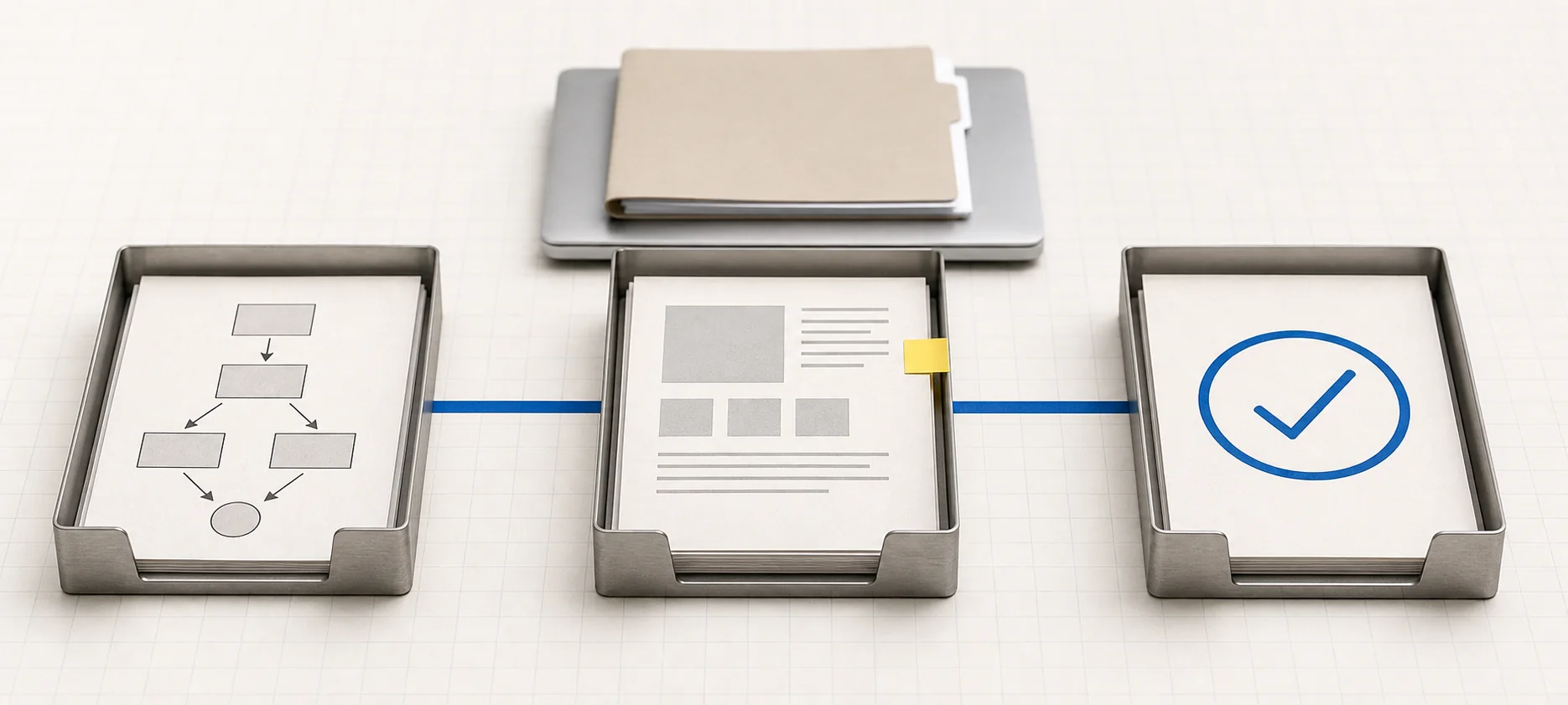
The other three are for once you're past the beginner stage. Auto runs without routine prompts, backed by a separate classifier model, currently a research preview, that reviews actions before they execute and blocks anything that looks like it's escalating beyond what you asked for. Don't ask only runs pre-approved tools, built for automated pipelines, not day-to-day use. Bypass permissions skips checks entirely and is explicitly documented as offering no protection against prompt injection, meant only for isolated, disposable environments.
As a beginner, live in Manual or Plan mode until you've built a feel for what Claude Code actually does with a given request, then graduate to Accept edits. Source: Choose a permission mode.
CLAUDE.md. A plain text file you write, dropped in your project folder, that Claude Code reads at the start of every session, delivered right after its own instructions and before anything else. It's the place to write down things a new collaborator would need to know: what the project is, conventions you want followed, things not to touch.
You don't have to write one from scratch; typing /init analyzes your codebase and generates a starting version for you. Source: How Claude remembers your project.
For the full distinction between project instructions, auto memory, rules, and task state, see how Claude Code memory works.
Skills. A skill is a small markdown file that packages instructions Claude Code can load on demand, for a specific recurring task, like a checklist or a workflow you use often. You invoke one automatically or by typing /skill-name. They live in a .claude/skills/ folder, and you can install them yourself or pull one from a plugin marketplace. Source: Extend Claude with skills.
MCP and connectors. MCP is the underlying protocol that lets Claude Code talk to outside tools and services. Connectors are the friendlier layer on top, apps like Gmail or a project tracker that you authenticate once. If you're signed into the same account, connectors you've already enabled on claude.ai load automatically into CLI sessions. New to connectors entirely? Claude connectors explains them in the chat app first.
That inheritance is narrower on Claude Code on the web, it only picks up connectors enabled on claude.ai plus whatever's committed to the repository itself. Source: MCP in Claude Code.
Context window. Every conversation has a limit on how much Claude Code can hold in mind at once. Files, instructions, tool descriptions, and Claude's own responses all consume that space. Run /context to see a live breakdown for your own session, and use /compact when you want Claude to replace the conversation with a structured summary before continuing.
For a bigger task, context engineering helps you choose the few sources and rules that deserve that space. If one bounded research or review job would flood the main conversation, a Claude Code subagent can do the intermediate work in its own context and return a compact result.
In practice, this means a long, sprawling session on a big feature is a worse idea than a few focused ones. Source: Managing the context window.
“Permission modes are the actual guardrail here, not the entire safety plan.”
Safety basics, and the honest version of the data question
The .env risk you may have heard about is real: a file holding API keys or passwords isn't on Claude Code's list of specially protected paths. It can read and edit one like any other file. The practical API-key and .env safety workflow covers ignore rules, staged-file checks, rotation, and what to do after exposure.
Worth knowing too: Auto mode's classifier is specifically documented to block pushing secrets or credentials to a repository known to be public. That's a real, if recent, technical guardrail on top of the older advice.
What you can realistically build, and what still gets in the way
Claude Code can build static websites, interactive web apps, small desktop tools, and scripts that automate tedious work. Which runtimes and services are available depends on whether the session runs locally, over SSH, or in Anthropic's cloud environment, so check the environment rather than assuming every language or database is pre-installed.
Recurring work needs a stricter setup than a one-off script. The Claude Code Routines guide compares cloud Routines, in-session loops, Desktop schedules, and external schedulers before you automate anything unattended.
What still gets in the way, honestly: default AI-generated interfaces tend to look generic unless you push back on the design. That's a known pattern across the industry, not something specific to Claude. Usage caps are real and will interrupt a longer project mid-flow, and if you overflow into metered API pricing it's noticeably more expensive per token than staying on a subscription plan.
And even though Claude Code handles the mechanics, you'll still need to learn, once, what GitHub, a deploy platform, and a domain name each actually do. Those remain separate concepts a plain chat never required.
This site isn't run by Anthropic. We're an independent guide, and we'd rather tell you where Claude Code is genuinely limited than pretend it isn't.
Do I need to know how to code to use Claude Code?
No. You describe what you want in plain English and Claude Code writes and runs the code. Understanding basic concepts, like what a file or a folder is, helps, but you don't need programming experience to get something working.
Is Claude Code free?
No. It's included with Pro ($17 to $20/month) and Max ($100 or $200/month), plus Team and Enterprise plans. It is not available on the Free plan. If you've only used free claude.ai chat before, this is the gap to budget for first.
What's the difference between Claude and Claude Code?
Claude, the chat at claude.ai, answers questions in text and doesn't touch your computer. Claude Code operates on an actual project folder: it creates files, edits them, and runs commands to build or modify software. Your approval at each step depends on the permission mode you're in.
Is Claude Code safe for beginners?
Yes, if you start in Manual or Plan mode, where it asks before touching anything or proposes changes without making them. The riskier modes, Auto and especially Bypass permissions, exist for later, once you understand what Claude Code tends to do with a given instruction. See how to use Claude if you want the fundamentals before adding a coding layer on top.
Can I use Claude Code without opening a terminal?
Yes. The desktop app's Code tab gives you the same local project access as the command-line tool, through a graphical interface, no terminal commands required. Claude Code on the web (claude.ai/code) is terminal-free too, though it's a more limited, cloud-only research preview. For the basics of using Claude day to day before you add coding into the mix, see how to use Claude, and for the wider setup picture, getting started.