Claude Code Routines: how to choose, test, and stop

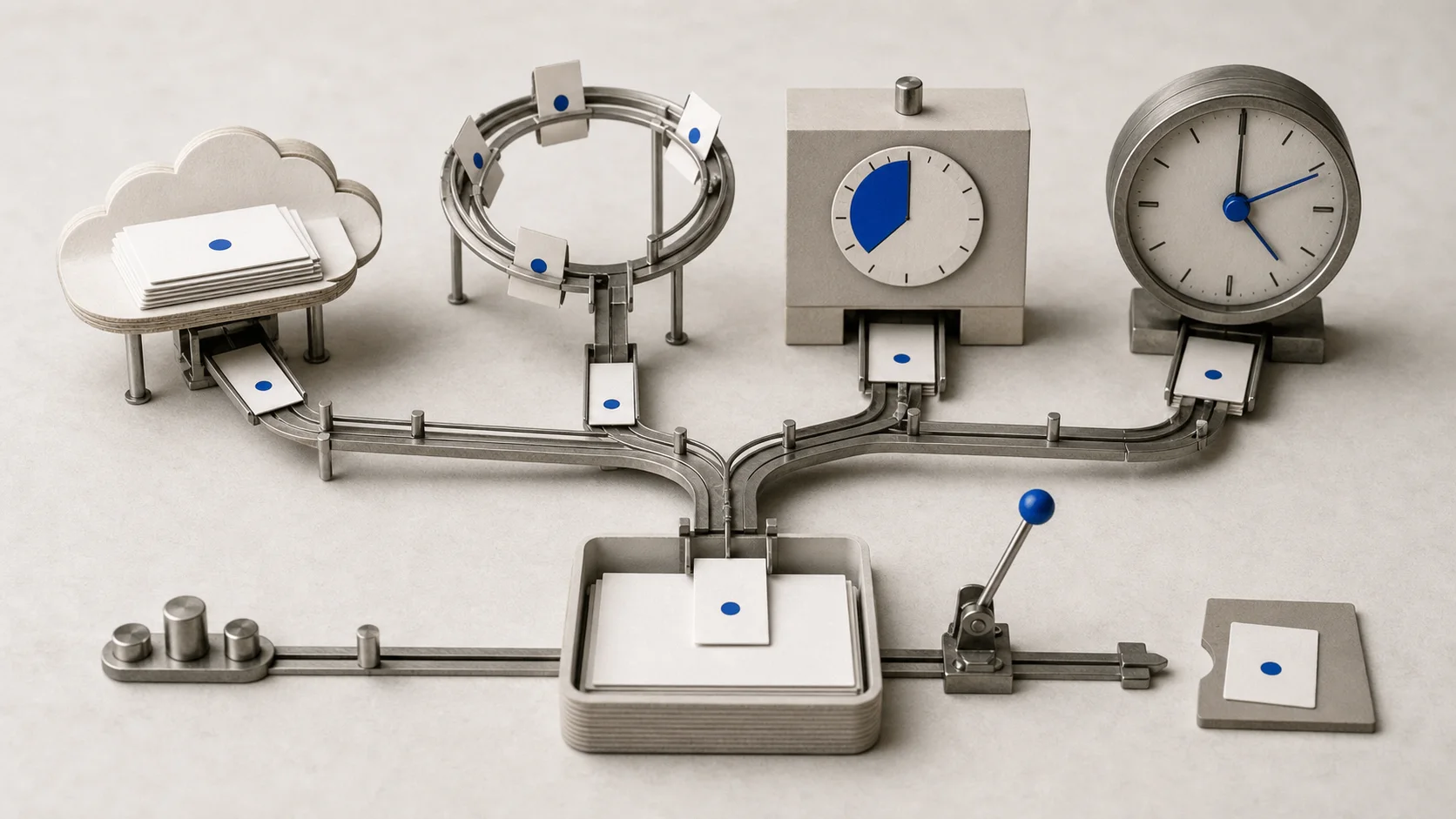
Choose the right Claude Code scheduler, prove a harmless Routine can pass and fail correctly, then practice stopping every trigger.
Use a cloud Claude Code Routine when work must run with your computer off. Use a Desktop scheduled task when the job needs local files, /loop for temporary polling inside an open session, and an external scheduler when your team needs versioned retries, alerts, and ownership.
This is an independent, unofficial guide. claude/for is not affiliated with Anthropic. Product behavior was checked against Anthropic's documentation on July 11, 2026. Routines are a research preview, so confirm the current interface before relying on one.
Pick the scheduler before writing the prompt
These four options solve different problems:
| Surface | Where it runs | What must stay open | Best fit |
|---|---|---|---|
| Cloud Routine | Anthropic-managed cloud | Nothing on your computer | Durable recurring work using selected repositories and connectors |
| Desktop scheduled task | Your computer | Desktop app open, computer awake | Local folders, local tools, and uncommitted work |
/loop and Cron tools | Current CLI conversation | Claude Code running and idle | Short-lived reminders, polling, or build babysitting |
| External scheduler | CI runner, server, or automation service | Depends on that system | Versioned schedules, custom retries, alerts, and organization-owned controls |
Anthropic's Routines documentation says each cloud run starts a fresh session on managed infrastructure. Routines require Pro, Max, Team, or Enterprise with Claude Code on the web enabled. Selected repositories are cloned for the run. Your laptop's untracked files and gitignored .env do not come along automatically.
The naming is easy to mix up. Current /schedule creates and manages cloud Routines. Session-scoped work uses /loop, natural-language reminders, or Cron tools described in the scheduled-tasks documentation. Desktop labels its scheduling area Routines, but a Local item is a Desktop scheduled task and a Remote item is a cloud Routine.
Run the Automation Readiness Check
Before scheduling, fill in this claude/for Automation Readiness Check. It is our editorial preflight, not an official Claude Code feature.
- Simplest executor: Could a script or native alert do the whole job?
- Success metric: What machine-observable condition means pass?
- Read scope: Which repositories, files, APIs, and dates may it read?
- Write scope: What may it change? Start with no writes.
- Credentials: Which dedicated, least-privilege secret does it need?
- Budget: What is the run cadence, provider quota, and review threshold?
- Proof: Which exit code, count, diff, test, or receipt proves the task result?
- Logs and alert: Where can a human inspect a task-level failure?
- Kill switch: How do you pause every trigger and revoke access?
- Owner: Who reviews false positives, spending, and credentials, and when?
The check catches a common mistake: using Claude for a deterministic operation. If a script can reliably validate three URLs, schedule the script. Add Claude only if you need an interpretation or a readable summary of its output.
For a broader definition-of-done method, use the Claude Code verification guide. If the job needs several source files and rules, prepare a small context pack before saving the prompt.
Build a harmless Routine test
Create a disposable repository named routine-safety-demo. Commit fixtures/daily-status.json, a deterministic checker at scripts/check-daily-status.mjs, and one unit test. The checker should emit JSON and exit successfully only when all three fixture checks pass.
Add a dedicated FORCE_FAILURE environment value. When set to 1, the checker should emit one known failure and exit non-zero. This gives you a safe failure path without breaking a production repository or waiting for a real service outage.
Configure the Routine with:
- only the disposable repository;
- no connectors or production credentials;
- no internet access if the checker does not need it;
- default restricted branch behavior;
- a prompt that runs the exact checker and never repairs the fixture;
- a final
git diffcheck proving that no files changed.
Ask for a receipt whose first line is exactly DAILY CHECK: PASS or ALERT: DAILY CHECK FAILED. It should include the checker exit result, passed and failed item counts, timestamp, and diff result.
Prove the manual checker
Run the checker and unit test yourself. Save the command output and commit SHA before involving a scheduler.
Run the happy path once
Keep FORCE_FAILURE at 0, use Run now, then inspect the transcript, JSON output, receipt, and empty diff.
Force the known failure
Set FORCE_FAILURE to 1 in the dedicated test environment and run again. Require a non-zero result, named failed check, alert receipt, and empty diff.
Schedule only after both paths work
Start read-only, inspect several transcripts, and add a private notification destination only if you need one.
Practice the kill switch
Pause the schedule, revoke any API trigger token, remove any GitHub trigger, disconnect the test destination, then delete or retain the Routine paused with a review date.
This article does not claim those runs were completed. The procedure is reproducible, but your transcript, exit result, and diff are the evidence. Never replace them with a made-up screenshot or a green status badge.
A green run can still contain a failed task
Anthropic documents run history as full sessions you can inspect. A session may start and finish without an infrastructure error while the requested checker fails inside the transcript. Treat the checker output and receipt as task evidence, not the color of the run row.
The same distinction applies to alerts. The current documentation does not promise a universal external notification for every task-level failure. Test the exact destination you plan to use with harmless data. If you only proved a visible failure receipt inside the session, say exactly that.
Cloud schedules may also start a few minutes after the requested time. The live daily allowance comes from your account usage, not a stable number worth copying into an article. Check it in the Routines page or Settings before choosing a cadence. Claude Code pricing explains the wider subscription and usage picture.
Know when a Routine is the wrong tool
Use a Desktop task if the job genuinely requires a local folder, local MCP server, or uncommitted files. Anthropic's Desktop scheduled-task guide says the app must remain open and the computer awake. Each run is a fresh session, and missed runs are not all replayed later.
Use /loop when you want the current session to check a build or reminder for a limited period. It only fires while Claude Code is running and idle, and recurring tasks expire after seven days. It is not a background service for next month.
Use GitHub Actions, a server scheduler, or another external runner when the schedule should live in versioned infrastructure with explicit retries, concurrency, retention, and alerts. Anthropic's workflow comparison covers the main options. For scripted execution, make allowed tools, inputs, output format, timeout, and credentials explicit.
Do not add parallel workers just because a task is scheduled. A Claude Code subagent earns its overhead only when one bounded research or review job benefits from separate context.
For a concrete recurring workflow, the research automation guide adds a source registry, evidence ledger, deduplication, logs, failure alerts, and a kill switch around a daily brief.
Do Claude Code Routines run when my computer is off?
Cloud Routines do. Each run starts on Anthropic-managed infrastructure. Desktop scheduled tasks and session-scoped /loop jobs need your computer awake, and /loop also needs Claude Code running and idle.
Does /schedule create a local scheduled task?
No. Current /schedule manages cloud Routines. Use /loop or Cron tools for the current CLI session. In Desktop, choose Local for a machine-dependent scheduled task and Remote for a cloud Routine.
How often can a Claude Code Routine run?
Cloud schedules have a minimum interval of one hour. Your account also has a live daily start allowance and subscription usage limits. Check the Routines page or Settings rather than relying on fixed plan counts from an older tutorial.
How do I stop a Claude Code Routine?
Pause its repeating schedule. If it also has API or GitHub triggers, revoke the API token and remove those triggers too. Delete the Routine when you no longer need its configuration, then revoke any downstream credentials separately.